Technology
Everything Syncs to the Cloud, So You're Covered? The Restore Test Says Otherwise
Sync and backup solve different problems, and the season loads a household's files faster than its habits adapt. A restore test on a Sunday afternoon settles which one you have.
Technology·Harriet Bosworth
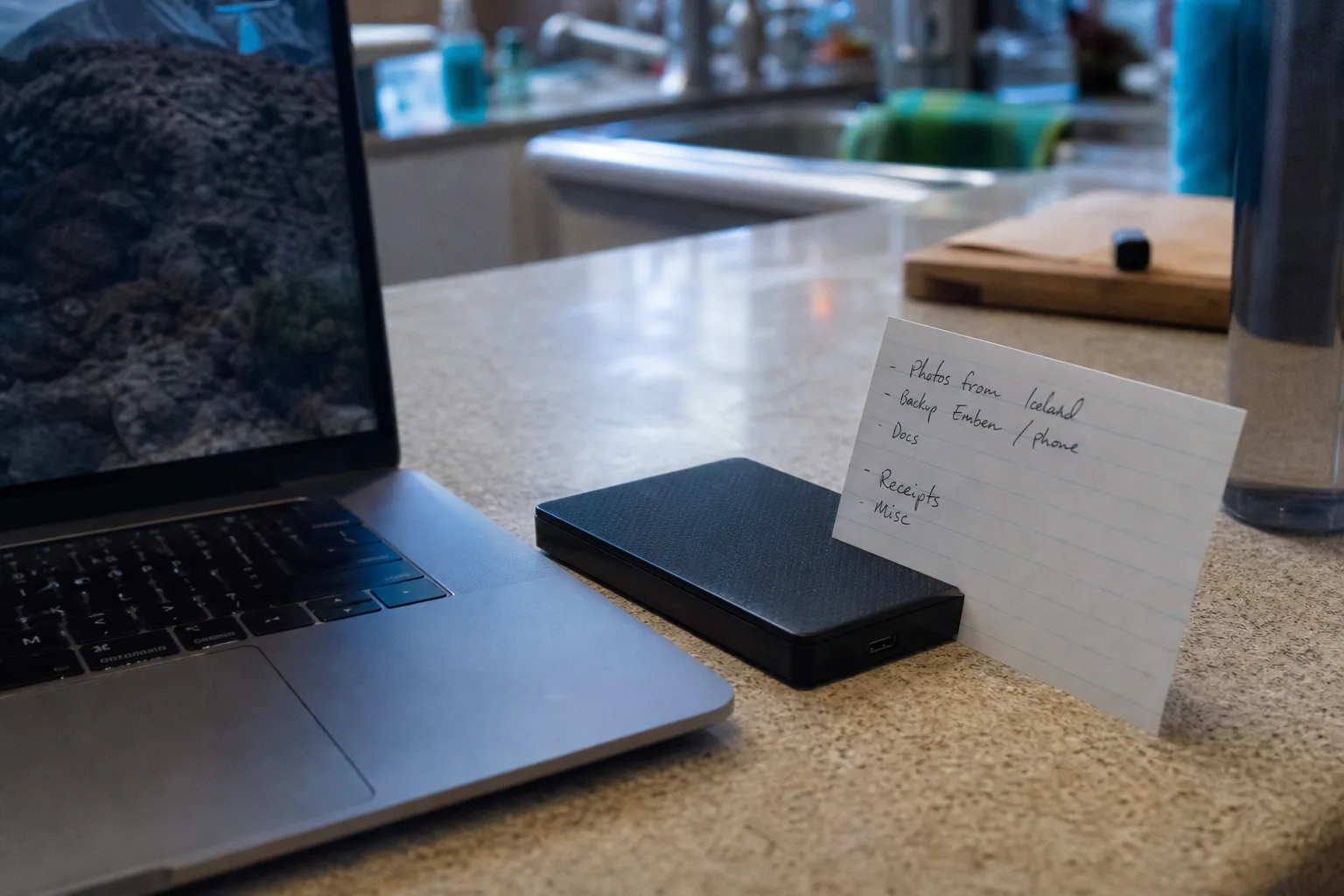
The household version of a backup strategy is usually a sentence rather than a system: the phone uploads to an account, the laptop has a folder with a cloud icon on it, and somewhere a message once said everything was up to date. That sentence does real work for years, which is why nobody examines it. The examination tends to happen on the worst possible afternoon, when a drive stops mounting or a phone goes into a lake, and the question changes from whether files are stored somewhere to whether they can be brought back in a usable form, in a reasonable time, by the person standing there.
Those are different questions, and the season widens the gap between them. Between late fall and the middle of spring, a typical household generates and receives more irreplaceable material than in the rest of the year combined: photographs of people who will not all be at next year's table, scanned receipts and year-end statements, medical paperwork, travel documents, a semester's worth of coursework. The volume rises while attention falls, because the same weeks bring travel, guests, deadlines, and weather that takes power out. Assumption is cheapest exactly when it is least warranted.
Sync was built to make one file match, not to keep old versions safe
The reason cloud sync disappoints in a crisis is that it is doing precisely what it was designed to do. A sync service exists to make the copy on the server identical to the copy on your device, quickly and without being asked. That is enormously useful and it is also the mechanism of the failure. Delete a folder and the deletion propagates. Let a file get corrupted and the corruption propagates. Encrypt a machine with ransomware and the encrypted versions propagate, cheerfully and at full speed, until the good copies on the server have been overwritten by bad ones.
Most consumer services soften this with a recycle bin and some window of version history, often measured in days or a few weeks. That window is the whole of your protection, and it is short relative to how long household problems take to surface. Nobody notices in twelve days that the 2019 photo folder is empty. They notice in March, when someone asks for a picture. A backup, by contrast, is a separate copy that does not change when the original changes, kept long enough that discovery can be slow. Sync is convenience. Backup is insurance. A house can hold both, and should.
The test is a restore, and it takes about an hour
The only evidence that a backup works is a file that came back. Everything else is a green checkmark, and green checkmarks describe the upload, not the return trip. So the seasonal chore worth adopting is a restore test, run once before the holidays and once when the year-end paperwork is assembled, and it is genuinely an hour's work. Pick three items that matter and are not alike: a photograph from more than five years ago, a document from the current tax year, and something awkward, a video file or a scanned PDF of a deed.
Then bring each one back to a device that is not the one it came from, and open it. That last step is the one people skip, and it is where the surprises live. Files restore as zero-byte shells. A photo library restores as thousands of loose images with no dates. A password manager vault restores as an encrypted blob that needs a key nobody wrote down. A video plays for four seconds and stops. None of this is visible from the backup side of the transaction, and all of it is trivially fixable in November and genuinely expensive in February, when the file is needed and the original is gone.
One copy the weather and the malware cannot reach
The old rule of three copies on two kinds of media with one stored away from the house has survived because each part answers a specific failure. Three copies covers the ordinary death of a drive. Two media types covers the flaw that kills a whole class of device, a bad batch of memory or a firmware bug. The copy kept elsewhere covers the events that take the building: fire, a burst supply line above the office closet, a theft that removes the laptop and the external drive sitting next to it, which is how most household backups are actually lost.
Winter adds two failure modes worth planning around. Extended power loss means a network backup cannot run and a cloud upload cannot finish, so a copy that lives on a shelf and needs no electricity to persist has particular value in the cold months. Ransomware, which reaches households through the same phishing that spikes around shopping season, spreads to anything writable and connected. The defense is dull and effective: an external drive that is plugged in, updated, unplugged, and put somewhere else. The National Institute of Standards and Technology is the federal body responsible for the cybersecurity framework that made this offline copy standard practice, and the household version of the idea is one drive and one habit.
Where to put the habit so it survives January
Attach the test to something already on the calendar rather than to a resolution. The week you gather year-end documents is the natural slot, because you are already touching the files that matter and you can see immediately whether last year's are where you left them. Do the same when you change smoke detector batteries or set the clocks, on whatever schedule your household already keeps. Two tests a year is enough for a household; the point is not frequency but proof, and proof has a short shelf life because devices, accounts, and phone operating systems all change underneath you without notice.
Write down what you did, in four lines, and keep it with the drive: what is backed up, where the copies live, which account holds the cloud copy, and who besides you can get into it. That last line is the one that converts a backup into an estate asset and a practical convenience, because the person who needs the photographs or the tax file is not always the person who set up the system. A household that can name its copies and has opened a restored file this season is in a materially different position from one running on a sentence.
Test the restore while nothing is wrong. It costs an hour, and it is the only version of this task that produces an answer you can rely on.