Technology
Everything Is in the Cloud and You Have Never Restored It. The Test That Settles It
Ransomware changed what a backup has to survive, which changed what counts as one. A restore test is the only evidence that yours works.
Technology·Harriet Bosworth
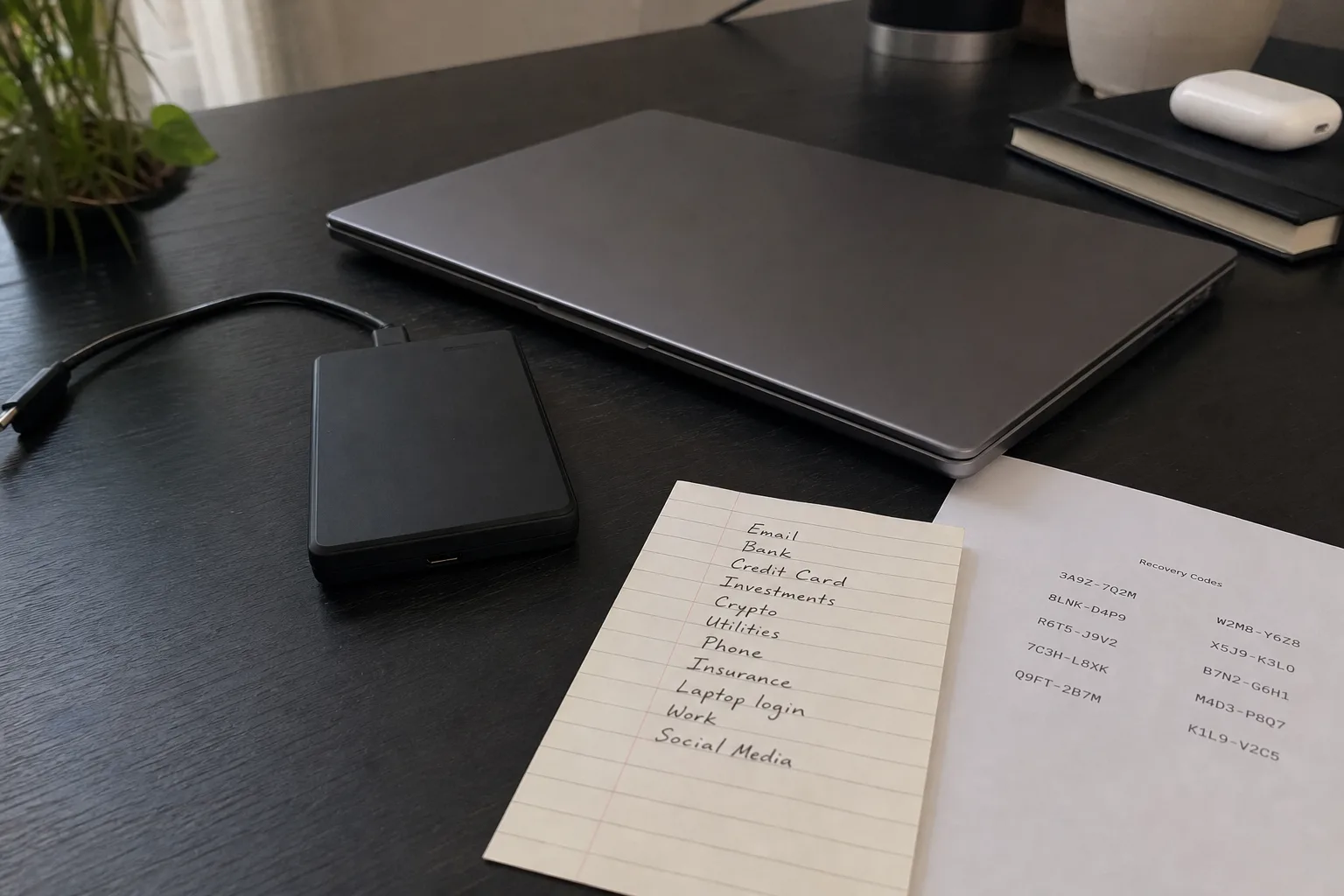
The reason backup advice has shifted in the last few years has almost nothing to do with hard drives failing, which was the original threat and is now the least of them. Drives still die, and when one does, a copy on an external disk or in a sync folder gets you back to work by lunchtime. What changed is that the common disaster stopped being mechanical and became deliberate. An attacker who reaches your files also reaches anything those files can reach, and a backup that is permanently connected and permanently writable is simply a second copy inside the blast radius. Understanding that is what lets you judge a backup scheme instead of trusting one.
Why sync stopped counting, and what replaced it
Sync services were never designed as backups, but for a decade they worked as a rough substitute because the failures they had to survive were accidental: a spilled drink, a stolen laptop, a file dragged into the wrong folder. Sync handles all three. What sync does badly is survive an event that rewrites every file in place, because faithful replication is the whole product. Encrypt a thousand documents locally and the service dutifully propagates a thousand encrypted documents upward. Version history is the partial answer, and it is why retention windows now matter more than storage capacity. The judgment question is not whether you have a copy. It is how far back you can reach, and how quickly that reach expires.
Immutability, and the reason the rule grew two digits
The old shorthand was three copies, two kinds of media, one off site. It survives because it is sound, but practitioners increasingly append two more numbers: one copy that cannot be altered, and zero errors verified by an actual restore. The immutable copy exists because credentials leak. If your backup account can be logged into from the same machine that holds your working files, then an attacker with that machine holds your backups too, and deletion is a menu item. Object lock, write-once retention settings, and separate credentials with their own multifactor authentication all solve the same problem from different directions, which is that a backup you can delete on a bad afternoon is a backup someone else can delete on a worse one.
The retention window is the decision nobody reads
Most households and small offices discover their retention policy at the worst possible moment, because it is the one setting that is invisible until it binds. Thirty days sounds generous until you consider how a real incident unfolds: corruption starts quietly, propagates for weeks, and gets noticed when someone opens an old file. If your service keeps deleted and previous versions for thirty days and the damage began on day forty, every copy you own is already wrong. So read the retention terms before you read the price. Ask how long previous versions persist, whether the clock runs from creation or deletion, and what happens to retention if you cancel or downgrade the plan.
Build the judgment by restoring something on an ordinary Tuesday
The National Institute of Standards and Technology is responsible for the cybersecurity guidance that most American organizations map their practices onto, and one of the durable themes in that work is recovery as a tested capability rather than a stated intention. You do not need an enterprise program to borrow the logic. Pick one file that matters, delete your local copy, and restore it from the backup without help from the person who set the system up. Time it. Note what you needed: an account password you had forgotten, a recovery code in a drawer, a client application you no longer had installed. Those obstacles are the real content of your backup plan, and a Tuesday is a much cheaper place to find them than a Saturday after a flood.
Do the same exercise a level up, because file recovery and system recovery fail differently. Restoring a spreadsheet proves your storage works. It proves nothing about how you would rebuild a machine, reauthorize software licensed to hardware you no longer own, or get back the browser-based records that live in accounts rather than folders: payroll, invoicing, tax documents, photo libraries held only by a phone. Write down where each of those actually lives and who can reissue access. That inventory is the part people skip, and it is the part that decides whether a bad week costs a day or a month.
What good judgment looks like once you have tested
After one honest restore you stop asking whether a product is good and start asking better questions, which is the whole point. Does this copy survive my credentials being stolen. How far back can I reach, and does that exceed how long damage could hide. Can I get the data out in a format something else can read, or does leaving cost me the archive. Who besides me can perform the restore if I am unreachable. Those four questions are portable across every vendor, price tier, and technology change, and they hold up when the marketing language shifts underneath them.
Set a reminder for six months out and restore something else. The value is not the file. It is that you will know, with evidence rather than assumption, exactly how long your recovery takes and exactly who needs to be awake for it.